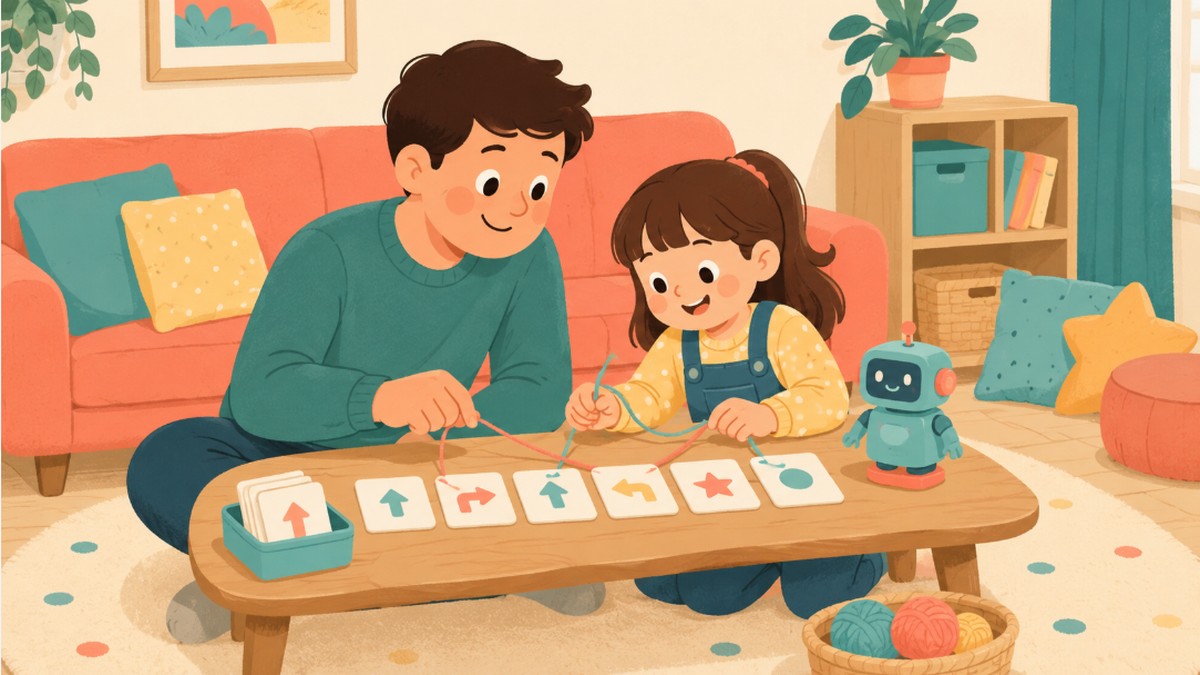
Coding doesn’t have to mean staring at a screen — some of the best computer science thinking happens with cards, string, and crayons on the kitchen table. Below are 15 unplugged coding activities for kids that teach real programming concepts like sequencing, patterns, and debugging without a single device, organized by type, plus a free printable challenge checklist to track which ones you’ve tried.
Why Unplugged Coding Activities for Kids Work So Well
CS Unplugged, a computer science education project from the University of Canterbury (backed by sponsors including Google and Microsoft Philanthropies), was built around exactly this idea: teach the underlying logic of computer science through games and puzzles first, before a child ever touches a keyboard. The project’s own materials describe the goal as making the discipline “interesting, engaging, and intellectually stimulating” — and that’s the whole premise behind unplugged coding activities for kids: the “coding” part isn’t really about syntax, it’s about sequencing, spotting patterns, and calmly finding the step that went wrong.
The unplugged coding activities for kids below are grouped by the specific skill they build, so you can match one to whatever your child is ready for — from simple step-by-step instructions for a preschooler to real debugging logic for an older elementary-age kid.
There’s also a practical reason to start with unplugged coding activities for kids before handing over a tablet or laptop: a child who already understands what a “sequence” or a “loop” is has something to attach the new vocabulary to once they do start an app like Scratch or an Hour of Code lesson. The unplugged version isn’t a lesser substitute for real coding — it’s usually the fastest path into it.
It also helps to treat unplugged coding activities for kids as a rotating habit rather than a single lesson. A ten-minute round of human robot before dinner, or a quick pattern-block challenge while waiting for pasta to boil, adds up over a few weeks into a genuinely solid grasp of sequencing and logic — without ever feeling like “computer class.”
What You’ll Need
Nearly every one of these unplugged coding activities for kids uses things you already have:
- Index cards or sticky notes
- Crayons or markers
- A large sheet of paper or a sidewalk and chalk
- String or yarn
- Building blocks or LEGO bricks
- A printed grid (see the free printable below)
1. Sequencing & Algorithm Games
- Human robot. One child gives short, literal step-by-step commands (“walk forward three steps, turn right”) while the other acts as the robot and follows only exactly what’s said — a classic first introduction to how a computer follows an algorithm.
- PB&J algorithm challenge. Ask your child to write out the exact steps to make a peanut butter and jelly sandwich, then follow their instructions literally (including any accidentally missing steps) — the sandwich usually goes hilariously wrong the first time, which is the whole point.
- Dance move sequencing. Write four or five simple dance moves on cards, shuffle them, and perform the moves in whatever order they’re drawn — a playful way to show that order changes the outcome.
- LEGO instruction building. Write a short list of build steps for a simple LEGO structure and have a sibling or friend build it from the written steps alone, without seeing the original.
2. Pattern & Logic Games
- Binary bead bracelets. Using two bead colors to represent 0 and 1, kids can spell out a letter or a short word in binary — one of the most popular unplugged coding activities for kids precisely because it produces a wearable result.
- Pattern block sequences. Lay out a repeating pattern with blocks or colored paper squares and challenge your child to predict (and then build) what comes next.
- Guess-the-rule game. Sort a pile of objects by a secret rule (all red things, all things that roll) and have your child guess the rule from the pattern — an early introduction to how computers classify data.
- Maze path-plotting on paper. Draw a simple grid maze and have your child write out the sequence of moves (up, down, left, right) needed to solve it before actually tracing the path.
3. Debugging & Problem-Solving Games
- Spot-the-bug instructions. Write a short set of steps with one deliberately wrong or missing instruction and ask your child to find and fix it — real debugging, just on paper.
- Fix-the-recipe game. Give a simple recipe with the steps scrambled out of order and have your child rearrange them so the recipe actually works.
- Backwards obstacle course. Set up a small obstacle course, then ask your child to write directions for someone walking it backwards — a fun way to introduce the idea that order and direction both matter in an algorithm.
- “Where did it break?” chain game. Line up five simple instructions as a relay (each person does one step and passes it on) and if the end result is wrong, work backwards together to find which step broke the chain.
4. Unplugged Board & Card Games
- Grid robot game. Draw a simple grid on paper, place a small token as the “robot,” and take turns writing a short set of arrow-card moves to get it to a target square — one of the most flexible unplugged coding activities for kids since the grid and target can change every round.
- If-then card game. Make simple “if this happens, then do this” cards (if you land on red, hop twice) and build them into any existing board game for an easy logic layer.
- Loop-the-loop repeat game. Introduce the idea of a “loop” by writing an instruction like “repeat 3 times: clap, spin” and have kids act it out exactly as written.
Free Printable: Unplugged Coding Challenge Checklist
To make it easy to work through all 15 unplugged coding activities for kids at your own pace, we made a free printable challenge checklist grouped exactly as above, plus a blank grid for the robot game. Check one off each time you try it.
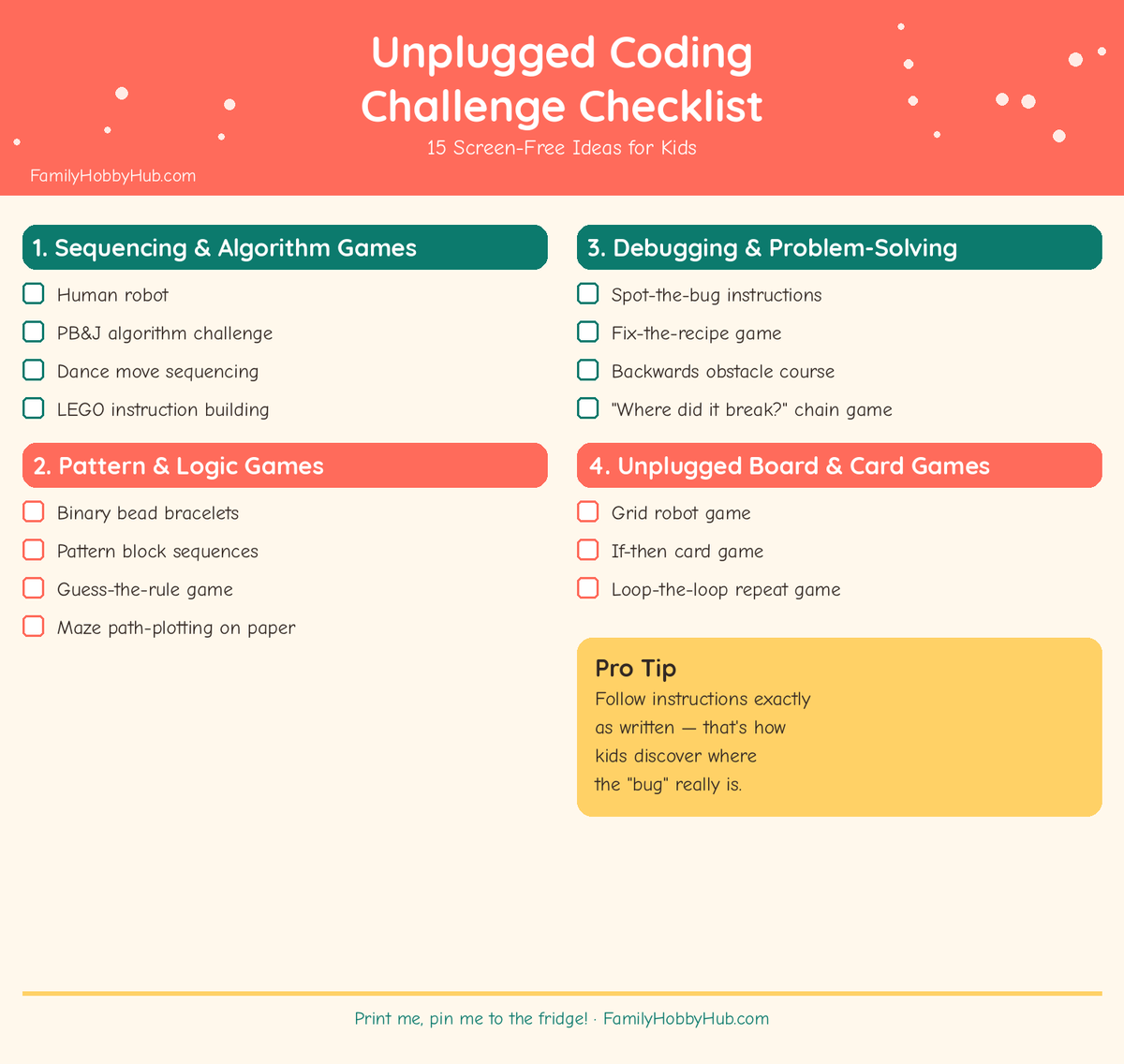
📥 Download the free Unplugged Coding Challenge Checklist (PDF)
Budget-Friendly Tips
Almost every one of these unplugged coding activities for kids costs nothing beyond paper and something to write with. Binary bead bracelets need only a handful of two-colored beads and string, which run a dollar or two at any craft aisle, and the grid robot game needs nothing more than a printed sheet and a coin or button as a token. Save any actual coding toys or apps for after your child has enjoyed a few of these free versions — it’s a much cheaper way to find out whether coding is a real interest before buying anything.
Tips for a Group or Classroom Setting
Several of these unplugged coding activities for kids scale up naturally for a small group, a classroom, or a birthday party. Human robot and the backwards obstacle course both work well as team relays, with one “programmer” per team giving instructions to a blindfolded or eyes-closed “robot.” For a bigger group, running the spot-the-bug game as a timed competition between small teams keeps everyone engaged, and rotating who plays the robot versus the programmer means every kid gets to practice both giving and following precise instructions.
| Age Range | Best Unplugged Coding Activities for Kids | Skill Focus |
|---|---|---|
| 4-6 years | Human robot, dance move sequencing, pattern block sequences | Following simple sequences |
| 7-9 years | PB&J algorithm challenge, binary bead bracelets, maze path-plotting | Writing and predicting sequences |
| 10-12 years | Spot-the-bug instructions, grid robot game, if-then card game | Debugging and conditional logic |
Looking for more hands-on learning to pair with these unplugged coding activities for kids? See our easy STEM activities for kids for more screen-free science and engineering ideas, or browse our kindergarten readiness activities if you’re working on early academic skills alongside these.
Tips for Doing Unplugged Coding Activities at Home
- Let instructions be followed literally. Part of the lesson in unplugged coding activities for kids is discovering that a computer (or a “human robot”) does exactly what it’s told, not what you meant — resist the urge to fill in gaps for them.
- Start simple, then add steps. A three-step sequence is plenty for a first try; add complexity only once the shorter version feels easy.
- Praise the debugging, not just the right answer. Finding and fixing a broken step is the actual skill — celebrate that process as much as a first-try success.
- Rotate who gives the instructions. Writing an algorithm and following one use different mental muscles — let your child do both roles across a session.
- Keep a “bug log.” Jotting down what went wrong and how it got fixed on the printable checklist turns each session into a small record of progress.
Frequently Asked Questions
What age can kids start unplugged coding activities?
Most of these unplugged coding activities for kids work from around age 4, starting with simple sequencing games like human robot, and scale up in complexity through the elementary years.
Do we need to buy anything special to try these?
No — nearly all of these unplugged coding activities for kids use paper, crayons, or basic craft supplies you likely already have at home.
Will unplugged coding activities actually help if my child later uses a real coding app?
Yes — concepts like sequencing, loops, and debugging transfer directly. Kids who’ve practiced these unplugged coding activities for kids tend to pick up block-based coding apps like Scratch noticeably faster, since the underlying logic is already familiar.
My child gets frustrated when the “algorithm” doesn’t work — what should I do?
Frame it as expected, not a failure — tell them every programmer’s first version usually has a bug, and the fun part is finding it together. Keeping the tone light is often the biggest factor in whether a child wants to try another round of unplugged coding activities for kids.
How is this different from just doing an app like Scratch?
Unplugged coding activities for kids strip away the interface entirely, so the focus stays on the underlying logic — sequencing, patterns, loops, debugging — rather than on where to click. Many families use both: unplugged coding activities for kids as the on-ramp, and a screen-based app once the core ideas already feel familiar.
Final Thoughts
You don’t need a laptop, an app, or a coding subscription to start teaching real computer science thinking — a few index cards and a willingness to follow instructions exactly as written cover most of what these unplugged coding activities for kids need. Print the checklist, try the human robot game this week, and let the debugging conversations happen naturally from there. However many of these unplugged coding activities for kids you get through this month, the real win is a child who instinctively looks for the broken step instead of giving up when something doesn’t work the first time.

About the Author: Family Hobby Hub
The Family Hobby Hub team researches and puts together simple, screen-free activity ideas for parents, grandparents, and caregivers — indoor play and sensory activities, backyard and outdoor games, on-the-go entertainment for car rides and waiting rooms, and easy learning and STEM activities for kids of different ages. Every guide is built around things most families already have around the house, takes only a few minutes to set up, and comes with a free printable checklist or activity sheet whenever possible. We are not child development specialists, educators, or licensed childcare professionals, and our activity ideas are general suggestions for family fun rather than professional guidance. Always supervise children during any activity and use your own judgment about what is appropriate for your child's age, interests, and abilities.